
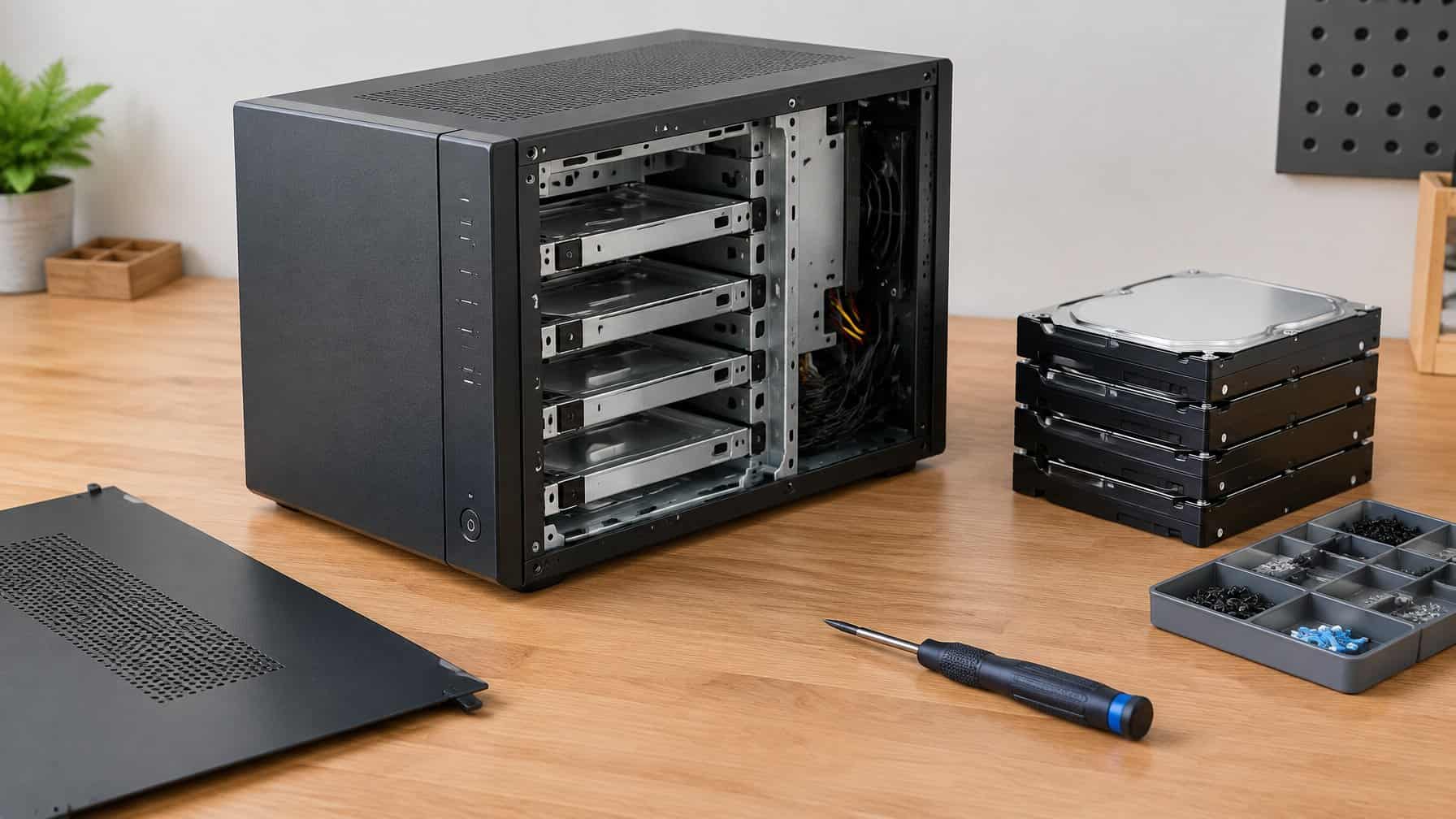
What is a NAS case? A NAS case is a specialized computer chassis designed specifically to house multiple hard drives in a compact footprint. Unlike standard gaming PC cases, the best NAS cases feature hot-swappable drive bays, custom SATA backplanes, and optimized airflow to keep storage drives cool while running 24/7.
If you have read our Unraid vs TrueNAS guide, you know that building a custom DIY server is significantly cheaper and more powerful than buying a pre-built home NAS from Synology or QNAP.
However, once you pick your operating system, you run into a massive physical problem: where do you put all the hard drives? (If you want the full build walkthrough from case to backups in one place, see our complete DIY NAS build guide.)
Standard desktop computer cases are terrible for data hoarders. They are massive, ugly, and modern cases often completely lack hard drive cages. To build a proper media server, you need a dedicated NAS enclosure.
In this guide, we break down the best NAS case options on the market, highlighting community favorites like the Jonsbo N3 and Fractal Node 804, to help you build the ultimate Plex server.
| NAS Case | Motherboard Size | Drive Bays | Best Feature |
|---|---|---|---|
| Jonsbo N3 | Mini-ITX | 8x 3.5″ HDD, 1x 2.5″ SSD | 8 hot-swappable bays in a tiny footprint |
| Fractal Design Node 804 | Micro-ATX, Mini-ITX | 10x 3.5″ HDD, 2x 2.5″ SSD | Fits cheaper Micro-ATX motherboards and offers superior cooling |
| Jonsbo N2 | Mini-ITX | 5x 3.5″ HDD, 1x 2.5″ SSD | Ultra-compact, living-room-friendly design |
| SilverStone CS381 | Micro-ATX, Mini-ITX | 8x 3.5″ HDD hot-swap | Hot-swap bays plus room for a 240mm liquid cooler |
| Fractal Design Define 7 XL | ATX, E-ATX | 18x 3.5″ HDD | Full-tower capacity for readers scaling past 10 drives |
Why You Cannot Use a Standard PC Case
If you are recycling an old gaming PC to build your server, you might be tempted to just shove your NAS hard drives into the existing metal box.
Here is why data hoarders upgrade to dedicated NAS cases instead:
- Hot-Swappable Bays: If a hard drive dies in a standard PC, you have to unscrew the side panel, unplug messy cables, and unscrew the drive cage. A true NAS case features front-facing, hot-swappable bays. You simply pull a plastic lever, slide the broken drive out, and slide a new one in.
- The Backplane: NAS cases include a custom circuit board (a backplane) behind the hard drives. This allows you to power 8 hard drives using only two power cables, drastically reducing cable clutter.
- Footprint: A dedicated NAS case is usually the size of a shoebox or a small toaster. It can sit quietly on a bookshelf next to your router, rather than taking up the entire floor under your desk.
The 5 Best NAS Cases for Data Hoarders
1. Jonsbo N3 (The Best NAS Case Overall)
The Jonsbo N3 is currently the undisputed holy grail of the DIY data hoarding community. It is an incredibly beautiful, compact, brushed aluminum cube that looks like a premium appliance.
Despite its tiny size, it holds a staggering 8 hard drives in hot-swappable front bays. The motherboard sits in a separate chamber above the hard drives, ensuring heat does not transfer to your storage. If you are shucking hard drives to build a massive Unraid array, the Jonsbo N3 is the absolute best case you can buy.
- Motherboard Size: Mini-ITX
- Drive Bays: 8x 3.5″ HDD, 1x 2.5″ SSD
- Best Feature: 8 hot-swappable bays in a tiny footprint.
- Buy Jonsbo N3 NAS Casei
2. Fractal Design Node 804 (Best for Micro-ATX)
The biggest downside to the Jonsbo N3 is that it requires a tiny “Mini-ITX” motherboard, which can be expensive. If you are recycling an older computer that has a standard “Micro-ATX” motherboard, the Fractal Node 804 is the best NAS case for you.
It is a dual-chamber cube design. One side holds your motherboard and CPU, while the other side holds up to 10 hard drives. While the drives are not hot-swappable from the front, the Node 804 offers the absolute best cooling and airflow of any case on the market.
- Motherboard Size: Micro-ATX, Mini-ITX
- Drive Bays: 10x 3.5″ HDD, 2x 2.5″ SSD
- Best Feature: Fits cheaper Micro-ATX motherboards and offers superior cooling.
- Buy Fractal Design Node 804i
3. Jonsbo N2 (Best 5-Bay Compact NAS)
If 8 drives is overkill for your needs, the Jonsbo N2 is the little brother to the N3. It is even smaller and more compact, making it the perfect DIY alternative to a 4-bay Synology.
It features 5 hot-swappable bays behind a magnetic front cover. It is incredibly quiet, sleek, and fits perfectly on a living room TV stand. It is the perfect enclosure for running Sonarr and Radarr silently in the background.
- Motherboard Size: Mini-ITX
- Drive Bays: 5x 3.5″ HDD, 1x 2.5″ SSD
- Best Feature: Ultra-compact, living-room-friendly design.
- Buy Jonsbo N2 NAS Casei
4. SilverStone CS381 (Best Hot-Swap for Micro-ATX)
The Jonsbo N3 and N2 both force a tradeoff: hot-swap bays, but only if you buy a tiny (and pricier) Mini-ITX motherboard. The SilverStone CS381 removes that tradeoff. It fits a standard Micro-ATX board while still offering 8 front-facing hot-swappable 3.5″ bays.
It is also one of the only compact NAS cases with room for a 240mm all-in-one liquid cooler, which matters if you are running a more powerful CPU for Plex hardware transcoding or a virtualization host alongside your storage array.
- Motherboard Size: Micro-ATX, Mini-ITX
- Drive Bays: 8x 3.5″ HDD, hot-swappable
- Best Feature: Hot-swap bays plus 240mm liquid cooler support.
5. Fractal Design Define 7 XL (Best for 18+ Drives)
Every case above tops out around 10 drives. If you are outgrowing that ceiling, the Define 7 XL is the standard full-tower pick for data hoarders building a serious long-term archive. It holds up to 18 hard drives across its stock and optional bay configurations, in a standard ATX/E-ATX form factor that keeps motherboard choice wide open.
It is not hot-swappable and it is considerably larger than the Jonsbo cases, so it suits a dedicated server closet or basement rack rather than a living room shelf. But for raw capacity per dollar, nothing on this list comes close.
- Motherboard Size: ATX, E-ATX
- Drive Bays: 18x 3.5″ HDD
- Best Feature: Full-tower capacity for readers scaling past 10 drives.
Important Hardware Considerations
Building a DIY NAS inside a compact case requires careful planning. You cannot buy standard desktop computer parts.
1. The Power Supply (SFX) Compact cases like the Jonsbo N2 and N3 do not fit standard, chunky ATX power supplies. You must purchase an SFX Power Supply (Small Form Factor).
2. The Motherboard (Mini-ITX) Mini-ITX motherboards are tiny, measuring just 6.7 x 6.7 inches. Because they are so small, they usually only have 4 SATA ports. If you buy the Jonsbo N3 (which holds 8 drives), you will not have enough ports on the motherboard to plug them all in!
3. The HBA Card (Host Bus Adapter) To fix the SATA port issue, you must buy an HBA card (like an LSI 9211-8ii flashed to “IT Mode”). This card plugs into the PCIe slot on your motherboard and provides 8 extra connections for your hard drives, allowing you to fill every bay in the Jonsbo N3.
4. Backup Power (UPS) A dense NAS case packed with spinning hard drives is exactly the kind of build you do not want to lose to a sudden power outage mid-write. Pairing your case with a UPS protects against corruption during unexpected shutdowns; see our APC vs CyberPower comparison to pick the right unit for your build.
Frequently Asked Questions
More DIY NAS guides
- DIY NAS build guide (start here)
- What is SnapRAID?
- SnapRAID + MergerFS build
- SnapRAID vs Unraid
- ZFS vs BTRFS
- Shucking hard drives
- IronWolf vs WD Red
- 4-bay vs 8-bay NAS