
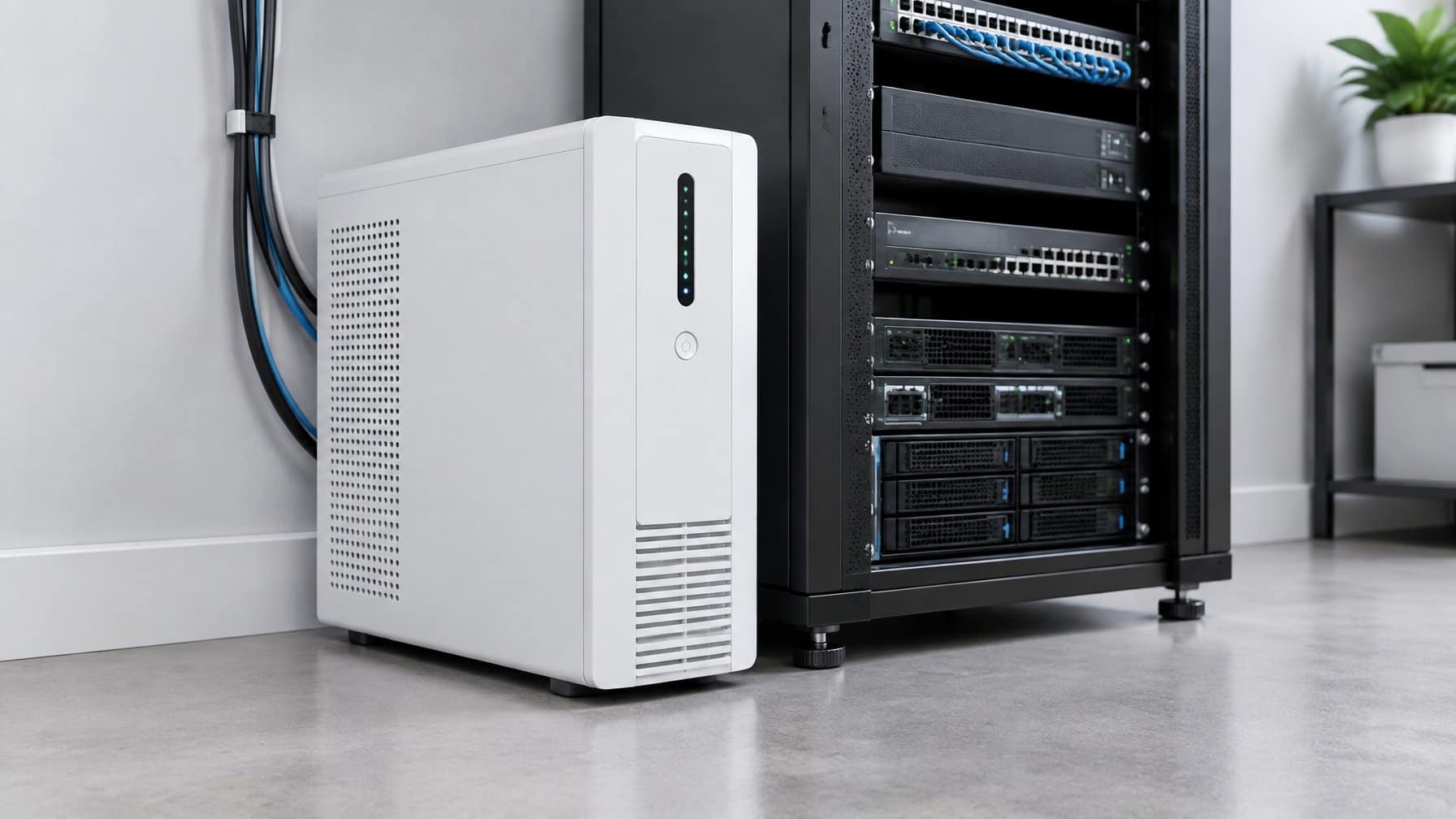
This guide walks through apc vs cyberpower step by step, with the exact settings and gotchas that trip up first-timers. What is a UPS for a NAS? A UPS (Uninterruptible Power Supply) is a heavy-duty battery backup that sits between your wall outlet and your NAS. If the power goes out, the UPS instantly provides battery power to the NAS, preventing a hard crash. It also sends a digital signal via USB, telling the NAS to safely shut itself down before the battery dies.
If you have read our guide on the best home NAS, you know that protecting your digital archive is critical. You bought a NAS with RAID protection, and you even set up unlimited cloud storage for an off-site backup.
But there is one massive vulnerability you likely forgot: Power outages.
If you are downloading terabytes of data from Usenet providers and the power in your house suddenly goes out, your NAS will crash. If the NAS was actively writing data to the hard drives when the power failed, the entire RAID array can become corrupted, destroying all of your data instantly.
To prevent this, you must buy a UPS. The two undisputed heavyweights in the battery backup industry are APC and CyberPower. In this APC vs CyberPower comparison, we break down the technology, pricing, and NAS compatibility to see which brand is best.
APC vs CyberPower at a Glance
Before the full breakdown, here is how this APC vs CyberPower comparison shakes out across the three categories that matter most for protecting a NAS.
| Category | APC | CyberPower |
|---|---|---|
| Pure Sine Wave Pricing | Available, but at a higher price point | Available at a significantly lower price point |
| NAS Compatibility & Auto-Shutdown | Universally recognized, plug-and-play | Universally recognized, plug-and-play |
| Reliability & Build Quality | Gold standard; enterprise-grade components and cleaner power filtering | Great budget features, but some users report cheaper internal batteries |
| Best For | Enterprise-grade reliability, maximum protection | Budget-conscious buyers who still want Pure Sine Wave |
| Recommended Model | APC Smart-UPS SMT1500C | CyberPower CP1500PFCLCD |
1. Pure Sine Wave vs. Simulated Sine Wave
Before you buy a UPS, you must understand the difference between the two types of power they output.
When a UPS switches to battery power, it has to convert DC battery power into AC power for your electronics.
- Simulated Sine Wave: Cheaper UPS models output a “choppy” power wave. While this is fine for basic electronics like a lamp or a router, modern, highly sensitive computer power supplies (like the ones inside a NAS) can sometimes crash or reboot when they receive this choppy power.
- Pure Sine Wave: Premium UPS models output a perfectly smooth power wave, identical to the electricity coming out of your wall.
If you are protecting a NAS, you must buy a Pure Sine Wave UPS. Both APC and CyberPower sell Pure Sine models, but CyberPower generally offers them at a significantly lower price point.
Winner: CyberPower (For cheaper Pure Sine Wave models).
2. NAS Compatibility and Auto-Shutdown
A UPS is not meant to keep your NAS running for hours during a blackout. It only has enough battery to keep it running for about 15 to 30 minutes.
The true magic of a UPS is the USB data cable. You plug the UPS into the wall, plug the NAS into the UPS, and then connect a USB cable between the two devices.
When the power goes out, the UPS sends a signal over the USB cable to the NAS. The NAS operating system (whether you use Synology, QNAP, or Unraid) receives the signal and automatically initiates a safe, graceful shutdown.
Both APC and CyberPower are universally recognized by almost every NAS operating system on the market. It is entirely “plug-and-play” for both brands.
Winner: Tie
3. Reliability and Build Quality
This is where the debate gets heated in the homelab community.
APC (American Power Conversion): APC is owned by Schneider Electric, a massive enterprise infrastructure company. APC is considered the gold standard for reliability. Their enterprise units are found in almost every major data center in the world. While their consumer units are more expensive, they are generally built with higher-quality internal components and provide “cleaner” power filtering.
CyberPower: CyberPower is widely considered the best “budget” option. They offer fantastic features (like LCD screens and Pure Sine Wave output) for a fraction of the cost of an equivalent APC unit. However, some power users argue that CyberPower uses cheaper internal batteries that may need replacing sooner than an APC unit.
Winner: APC (For enterprise-grade reliability).
Conclusion: Which UPS Should You Buy?
Both brands will absolutely save your data during a power outage. Your choice comes down to your budget.
Choose CyberPower If:
You are on a budget but still want the safety of Pure Sine Wave technology. The CyberPower CP1500PFCLCD is arguably the most popular UPS in the home server community because of its incredible value.
Choose APC If:
You want the absolute highest build quality, enterprise-grade reliability, and do not mind paying a premium. The APC Smart-UPS series is the ultimate protection for a massive data hoarding setup.
(Note: Don’t forget to plug your internet router into the UPS as well! This ensures your Plex server keeps working locally even if the power is out).