
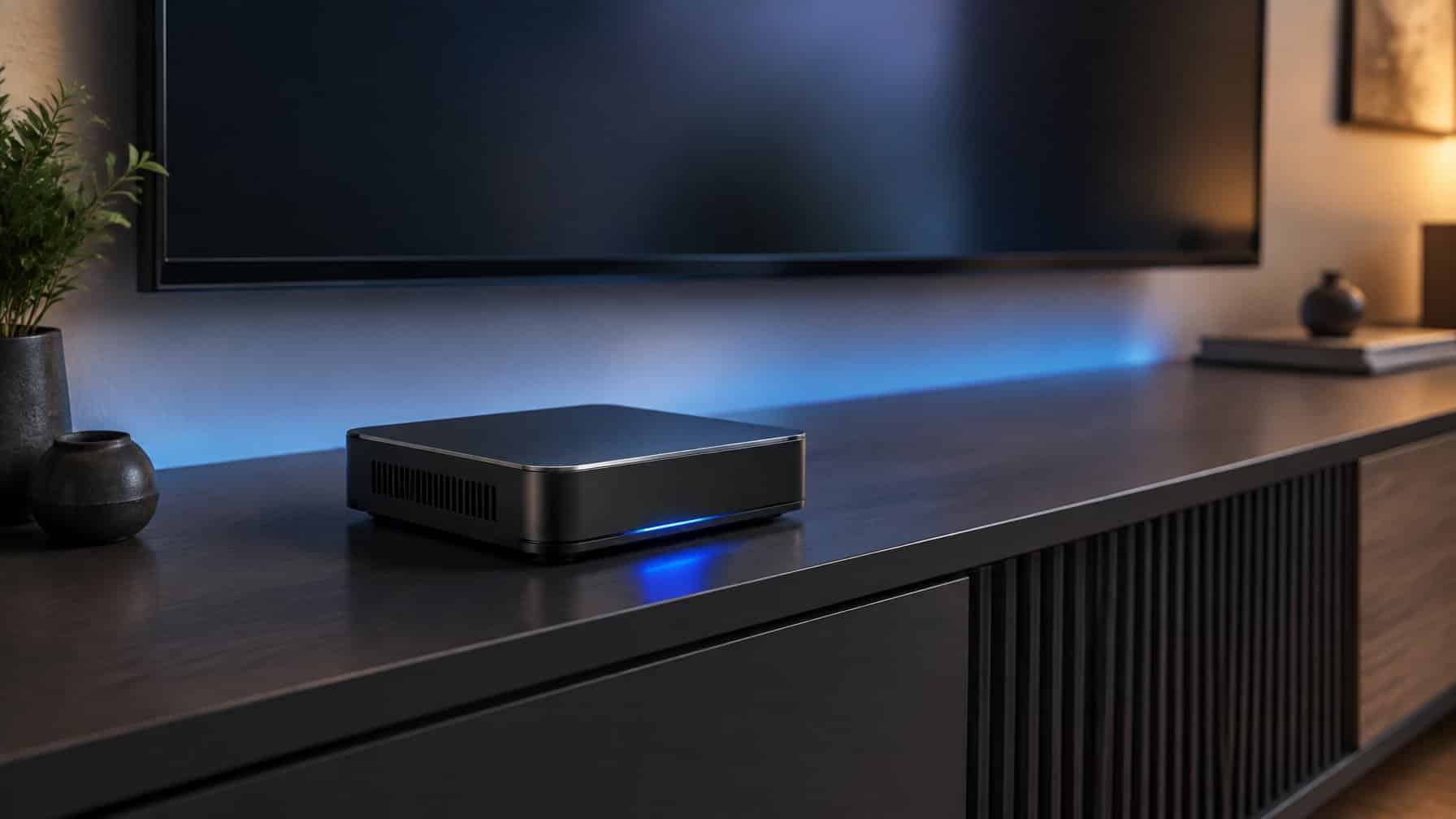
What is the best Plex server? The best Plex server is a dedicated Intel Mini PC, such as the Beelink Mini S12 Pro or an Intel NUC. These tiny, low-power computers feature Intel Quick Sync technology, which allows them to easily transcode multiple high-resolution video streams simultaneously without buffering.
If you have used Sonarr and Radarr to build a massive library of digital assets, you need a way to view them on your local displays.
While you can install Plex directly onto a home NAS, many budget NAS devices have incredibly weak processors. If you try to play a high-resolution, lossless media file on an older smart display, the NAS will choke, the video will buffer endlessly, and your viewing experience will be ruined.
The solution? You keep your hard drives in the NAS, but you run the actual Plex Media Server software on a dedicated “Mini PC.” In this guide, we will explain exactly what hardware you need to build the ultimate, buffer-free Plex server.
| Mini PC | Processor | Best For |
|---|---|---|
| Beelink Mini S12 Pro | Intel N100 | Budget users and beginner Plex setups |
| ASUS / Intel NUC 13 Pro | Intel Core i5-1340P | Power users sharing Plex with many remote users |
| Build Your Own | Intel 7th-gen (or newer) repurposed PC | Tinkerers who already own an old Intel office computer |
The Secret to Plex: Intel Quick Sync Video (QSV)
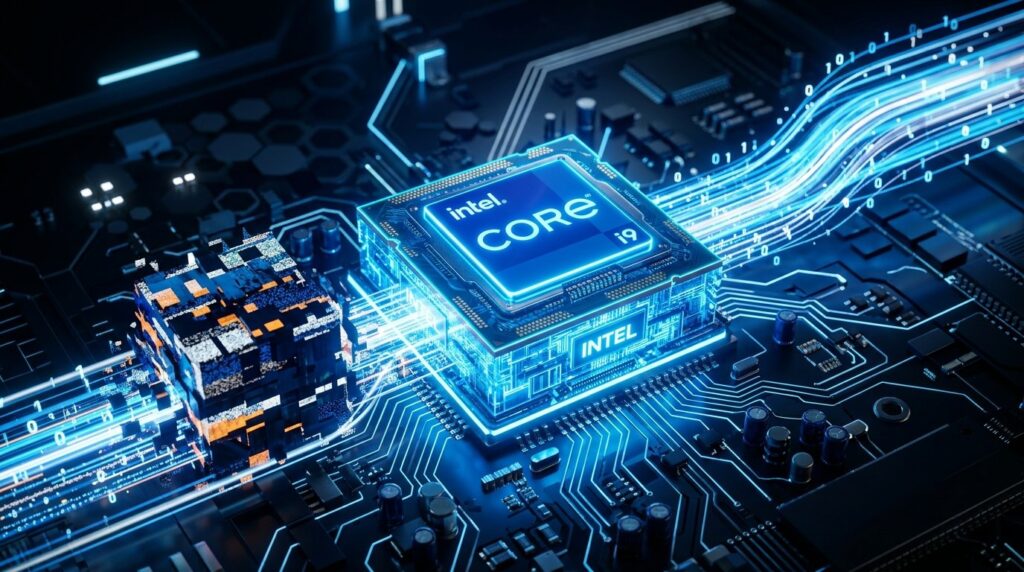
If you take away one thing from this guide, it should be this: Do not buy an AMD or ARM processor for a Plex server. You must buy an Intel processor.
Why? Because modern Intel processors feature a technology called Quick Sync Video (QSV).
When you play a massive, uncompressed video file on a device that cannot natively support it (like a smartphone on cellular data), Plex has to “transcode” (convert) the video to a lower resolution in real-time.
Transcoding normally requires a massive, expensive graphics card or a heavy-duty CPU. However, Intel QSV is a dedicated piece of silicon built right into cheap Intel chips that handles video transcoding flawlessly. A $150 Intel Mini PC can transcode video better than a $1,000 gaming computer. Pre-compressing large files before they hit your library with a tool like Handbrake also reduces how much real-time transcoding your server needs to do in the first place.
(Note: To use Hardware Transcoding, you must purchase a premium Plex Pass. If you want a free alternative that supports Quick Sync out of the box, read our Plex vs Jellyfin guide).
The 3 Best Plex Server Mini PCs
You do not need a massive desktop tower to run Plex. “Mini PCs” are the size of a thick paperback book, use almost no electricity, and can easily sit on a shelf next to your internet router.
Here are the three best options on the market today.
1. Beelink Mini S12 Pro (Best Budget Plex Server)
In the data hoarding community, the Intel N100 processor is legendary. It is a highly efficient, low-power chip that features modern Intel Quick Sync capabilities.
The Beelink Mini S12 Pro features this exact N100 processor. Despite costing less than $200, this tiny machine can easily transcode three to four high-resolution streams simultaneously. It is the absolute best entry-level Plex server on the market.
- Processor: Intel N100
- Best For: Budget users and beginner Plex setups.
- You can view the Beelink Mini S12 Pro on Amazon here.i
2. ASUS / Intel NUC 13 Pro (Best High-Performance Server)
If you are sharing your Plex server with dozens of remote users, the N100 chip might bottleneck. You need more power.
The Intel NUC (Now manufactured by ASUS) is a premium, enterprise-grade Mini PC. The NUC 13 Pro features a 13th-generation Intel Core i5 processor. The Quick Sync capabilities on this chip are staggering—it can handle multiple heavy HDR transcodes simultaneously without breaking a sweat.
- Processor: Intel Core i5-1340P
- Best For: Power users sharing Plex with many remote users.
- You can view the ASUS NUC 13 Pro on Amazon here.i
3. Build Your Own (Best for Tinkering)
If you already have an old Dell or HP office computer sitting in a closet, check what processor is inside it. If it is an Intel 7th-generation processor (or newer), it already has Quick Sync!
You can install Ubuntu Linux on it, install Plex, and have a completely free, highly capable media server.
How to Connect Your Mini PC to Your Storage

A Mini PC is too small to hold massive 12TB hard drives. So, how do you get your archival data onto it?
This is where the “split setup” comes in:
- You store all of your massive hard drives inside a dedicated home NAS (like a Synology) or a Raspberry Pi NAS.
- You install your Usenet newsreader (like SABnzbd) and Plex on the Intel Mini PC.
- You connect the Mini PC and the NAS to the same internet router.
- You map the network drive so the Mini PC can read the files stored on the NAS.
This setup ensures your storage is safe, while your Plex software has the dedicated Intel processing power it needs to stream high-resolution video flawlessly.
Guides in this series
- Best Plex clients
- Is Plex Pass worth it?
- Plex vs Jellyfin
- Plex vs Emby
- What is Tautulli?
- How to use HandBrake