
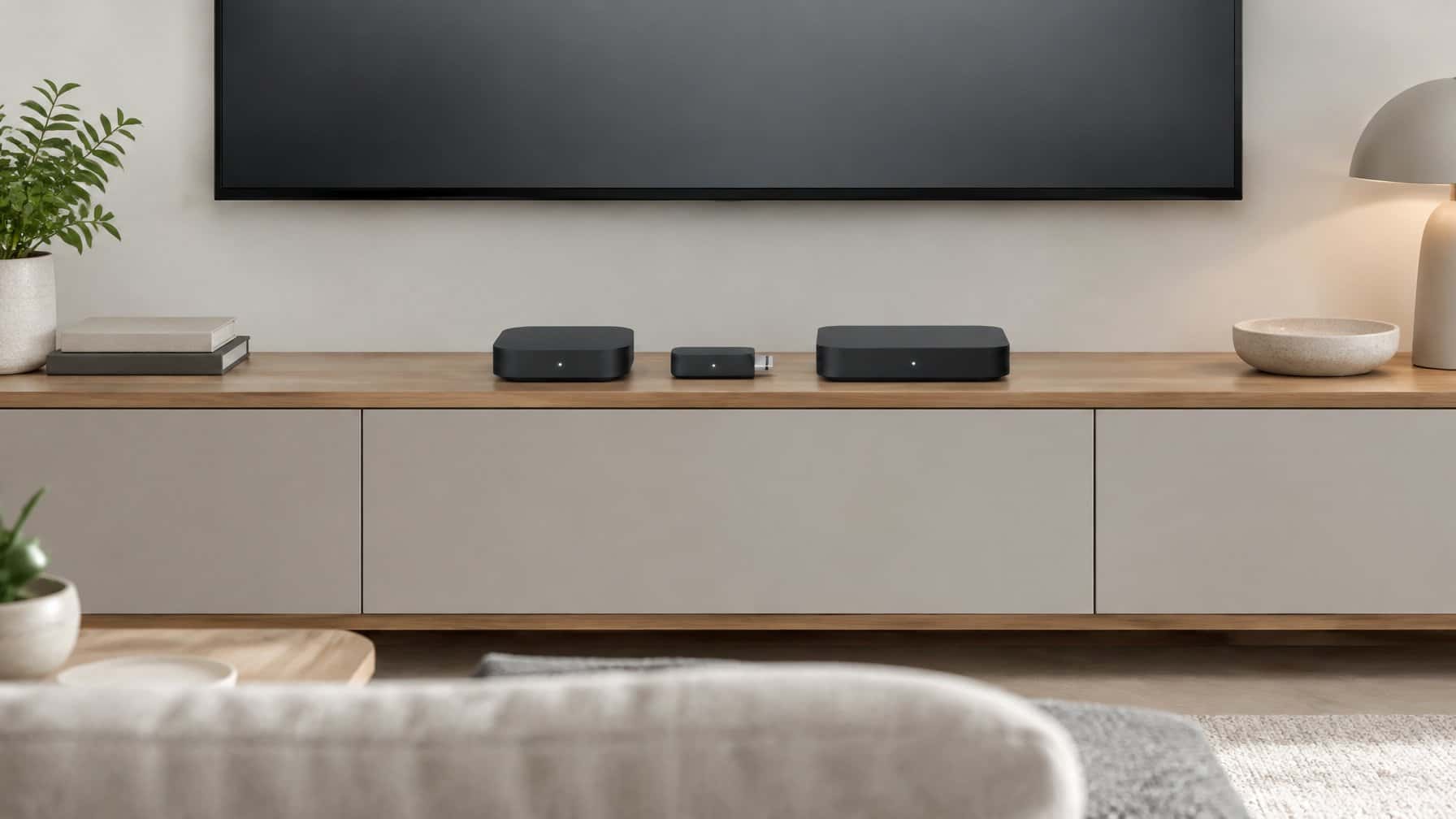
What is the best Plex client? The best Plex client is the Nvidia Shield TV Proi. It is universally considered the ultimate streaming device for data hoarders because it supports “Direct Play” for almost every audio and video format in existence, including high-resolution video and lossless TrueHD audio, eliminating the need for server transcoding.
If you have learned how to download from Usenet, you likely have a massive library of high-quality digital assets sitting on your home NAS. If you have not automated that process yet, our Sonarr and Radarr guide covers the full automation stack.
You sit down in your living room, open the Plex app on your new LG or Samsung Smart TV, press play, and… it buffers. The stream stutters, the colors look washed out, and your server’s cooling fans start spinning at maximum speed.
You might think your Plex server is broken, but the server is not the problem. The problem is your TV. Built-in Smart TV apps are notoriously terrible Plex clients. To fix the buffering, you need a dedicated streaming box. In this guide, we break down the best Plex clients on the market.
| Plex Client | Best For | Operating System | Best Feature |
|---|---|---|---|
| Nvidia Shield TV Pro | The Undisputed King (Best Overall) | Android TV | Lossless TrueHD audio passthrough and flawless Direct Play |
| Apple TV | Apple Ecosystems | tvOS | Lightning-fast interface and Apple integration |
| Amazon Fire TV Stick Max | Best Budget Option | Fire OS (Android) | Highly affordable and supports Wi-Fi 6E |
| Google TV Streamer | Best New Pick for the Price | Google TV | Doubled RAM and quadrupled storage vs. the old Chromecast, for $99 |
| Nvidia Shield TV (2019, non-Pro) | Best AI Upscaling on a Budget | Android TV | Same AI-upscaling engine as the Shield TV Pro, for less money |
| Roku Ultra | Why It Falls Short for Plex | Roku OS | Affordable and popular, but forces transcoding on lossless audio tracks |
Why Built-in Smart TV Apps Buffer (Direct Play vs. Transcoding)
To understand why you need to buy a separate streaming box, you have to understand how Plex delivers video to your screen.
When you play a media file, Plex asks your TV: “Can you play this specific video format and this specific audio format (e.g., Dolby TrueHD)?”
- Direct Play (The Goal): If your TV says yes, Plex simply sends the raw file over your Wi-Fi. The server does zero work. The video plays instantly and flawlessly.
- Transcoding (The Problem): If your TV says no, your Plex server panics. It has to instantly convert (transcode) the massive, uncompressed media file into a format your TV can play. This requires massive CPU power. If your server is not powerful enough, the video will buffer endlessly.
Most built-in Smart TV apps do not support lossless audio or complex video formats. Because of this, they force your server to transcode almost everything. The solution is to buy a premium “Plex Client” (a streaming box) that supports “Direct Play” for every format.
(Note: If your server is struggling to transcode, you might need to buy a Plex Pass to unlock hardware transcoding!)
The 6 Best Plex Clients
1. Nvidia Shield TV Pro (The Undisputed King)
If you ask any data hoarder or home theater enthusiast what the best Plex client is, the answer is always the Nvidia Shield TV Pro.
Despite being released in 2019, it is still the most powerful streaming box on the market. It is the only mainstream device that can “Direct Play” absolutely everything you throw at it, including uncompressed public domain archives, high bit-rate files, and lossless Dolby Atmos/TrueHD surround sound. It also features an incredible AI-upscaling feature that makes standard-definition content look incredibly sharp.
- Operating System: Android TV
- Best Feature: Lossless TrueHD audio passthrough and flawless Direct Play.
- You can view the Nvidia Shield TV Pro on Amazon here.i
2. Apple TV (Best for Apple Ecosystems)
If you refuse to use Android devices and live entirely inside the Apple ecosystem, the Apple TV is the second-best Plex client available.
It features a processor that is significantly faster than the Nvidia Shield, meaning the Plex interface is incredibly snappy and smooth. However, Apple heavily restricts its audio formats. The Apple TV cannot pass through lossless Dolby TrueHD audio. If you have a massive, expensive surround sound system, the Nvidia Shield is better. If you just use a standard soundbar, the Apple TV is fantastic.
- Operating System: tvOS
- Best Feature: Lightning-fast interface and Apple integration.
- You can view the Apple TV on Amazon here.i
3. Amazon Fire TV Stick Max (Best Budget Option)
If you cannot afford to drop $200 on an Nvidia Shield, the Amazon Fire TV Stick Max is the absolute best budget option.
While older Fire Sticks were notoriously slow and terrible for Plex, the newest “Max” version is surprisingly powerful. It supports Wi-Fi 6E (meaning wireless streaming is much more stable) and it supports Direct Play for most modern audio and video formats.
- Operating System: Fire OS (Android)
- Best Feature: Highly affordable and supports Wi-Fi 6E.
- You can view the Fire TV Stick Max on Amazon here.i
4. Google TV Streamer (Best New Pick for the Price)
Google retired the Chromecast with Google TV and replaced it with the Google TV Streamer, and it is a real upgrade for Plex users. RAM is doubled to 4GB and storage is quadrupled to 32GB compared to the old Chromecast, which means far less lag when Plex is running in the background alongside other apps. It also adds a built-in Ethernet port, which the old Chromecast lacked entirely.
The catch: the Google TV Streamer will not bitstream Dolby TrueHD, DTS-HD, or DTS:X. It detects those lossless tracks and decodes them internally to PCM before sending audio out, instead of passing the original bitstream through to your receiver. If you run a standard soundbar, you probably will not notice. If you run a dedicated AV receiver for lossless surround sound, this is the device’s main weakness compared to the Shield TV Pro or Apple TV.
- Operating System: Google TV
- Best Feature: 4GB of RAM and 32GB of storage for $99, with Ethernet built in.
- You can view the Google TV Streamer on Amazon here.
5. Nvidia Shield TV, 2019 Non-Pro (Best AI Upscaling on a Budget)
If the $200 Shield TV Pro is more than you want to spend, Nvidia’s smaller base Shield TV runs the same Tegra X1+ chip and the same AI-upscaling engine, just with less RAM (2GB vs. 3GB) and less onboard storage (8GB vs. 16GB). For anyone using it purely as a Plex client rather than as a Plex Server itself, that trade-off barely matters day to day.
(Availability note: the base Shield TV has been inconsistently in stock at major retailers, while the Pro model has stayed reliably available. Check current stock before counting on it — if it is sold out, the Fire TV Stick Max above is the more dependable budget pick.)
- Operating System: Android TV
- Best Feature: The Shield TV Pro’s AI-upscaling engine at a lower price.
- You can view the Nvidia Shield TV on Amazon here.
6. Roku Ultra (Why It Falls Short for Serious Plex Use)
The Roku Ultra is one of the most popular streaming devices on the market, and at $99.99 it is a genuinely capable player for Dolby Vision and Dolby Atmos content from apps like Netflix or Disney+. We are including it here because it comes up constantly in Plex client searches, not because we recommend it.
Roku OS is far more restrictive than Android TV, tvOS, or Google TV about which formats it will Direct Play. Support for high-bitrate remuxes and lossless TrueHD/DTS-HD audio is inconsistent, which routinely forces your Plex server into a transcode it would not need to perform on a Shield TV Pro or Apple TV. If you already own a Roku Ultra, it will work fine for casual 1080p or standard 4K streaming — just do not expect it to Direct Play your best remuxes.
- Operating System: Roku OS
- Best Feature: Affordable 4K HDR and Dolby Atmos support for casual viewing.
- You can view the Roku Ultra on Amazon here.
More Plex guides
- Best Plex server hardware (start here)
- Is Plex Pass worth it?
- Plex vs Jellyfin
- Plex vs Emby
- What is Tautulli?
- How to use HandBrake