
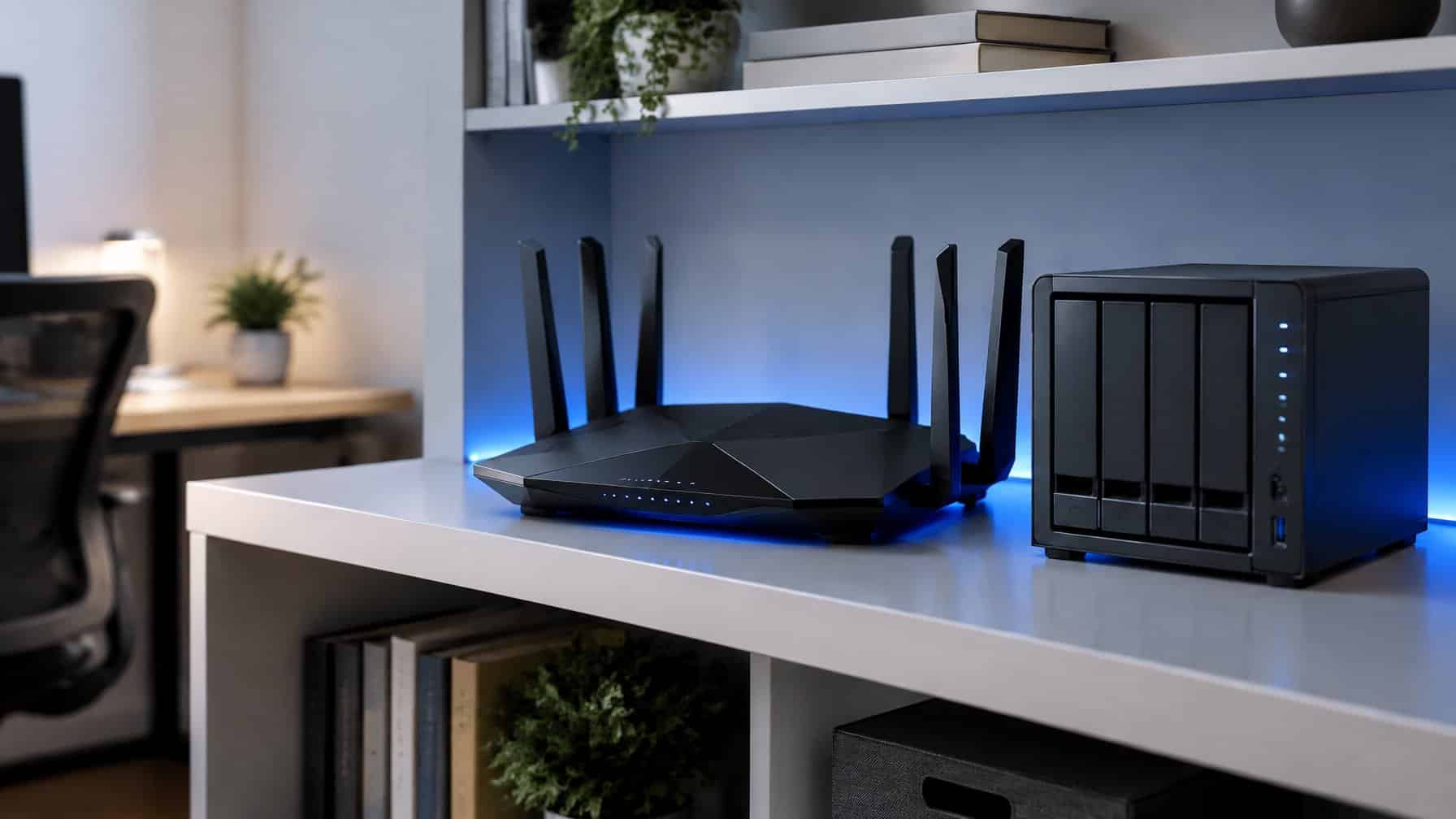
This guide walks through best router for nas step by step, with the exact settings and gotchas that trip up first-timers. What is the best router for a NAS? The best router for a NAS is a “prosumer” grade router like the Ubiquiti UniFi Dream Machine Pro or the ASUS ROG Rapture. These routers feature high-speed multi-gigabit Ethernet ports, advanced CPU processing to handle thousands of simultaneous connections, and robust security features like VLANs.
If you have spent hundreds of dollars building the best home NAS and setting up an automated Plex server, you might notice a frustrating problem.
When you start downloading massive files via your Usenet newsreader, your home internet suddenly crawls to a halt. Your smart TV buffers, your phone disconnects from Wi-Fi, and your partner complains that streaming isn’t working.
The problem is not your internet speed. The problem is your router.
The cheap, plastic router provided by your Internet Service Provider (ISP) is designed for basic web browsing. It does not have the processing power (CPU or RAM) to handle the massive, sustained traffic of a dedicated media server. In this guide, we break down the best router for NAS and Plex users, focusing on multi-gigabit speeds and prosumer features.
| Router | Best For | Ports | Best Feature |
|---|---|---|---|
| Ubiquiti UniFi Dream Machine Pro | Best Overall | 8x 1GbE, 2x 10G SFP+ | Enterprise-grade network management dashboard |
| ASUS ROG Rapture GT-AXE16000 | Best All-in-One Router | 4x 1GbE, 2x 10GbE, 1x 2.5GbE | Dual 10Gbps ports and Wi-Fi 6E built-in |
| TP-Link Omada ER605 | Best Budget Prosumer | 5x 1GbE | Enterprise stability for under $60 |
| TP-Link Archer BE800 | Best Wi-Fi 7 + Multi-Gig | 2x 10GbE, 4x 2.5GbE | Most multi-gig wired ports of any router on this list, plus Wi-Fi 7 |
Why Your ISP Router is Bottlenecking Your NAS: Best Router for Nas
To understand why you need an upgrade, you need to understand how downloading from Usenet actually works.
When you download a 50GB 4K movie, your software opens between 50 and 100 simultaneous connections to the server. At the same time, your Plex server might be streaming a movie to your TV, while your phone is browsing Instagram.
Every single one of those connections has to be processed and routed by the CPU inside your internet router. A cheap ISP router has a weak CPU. When it gets hit with 100 simultaneous connections, it panics, overheats, and drops traffic (causing buffering).
To fix this, you need a “Prosumer” router. These routers blur the line between consumer electronics and enterprise IT equipment. They have massive processors, lots of RAM, and advanced security features.
The 4 Best Routers for NAS and Plex
1. Ubiquiti UniFi Dream Machine Pro (Best Overall)
In the homelab and data hoarding community, Ubiquiti is considered the “Apple of Networking.”
The UniFi Dream Machine Pro (UDM Pro) is an enterprise-grade rackmount router designed for home power users. It features a blazing-fast quad-core processor and a 10Gbps SFP+ port. It can handle gigabit Usenet downloads and dozens of Plex streams simultaneously without breaking a sweat. It also features an incredibly beautiful, polished web dashboard for managing your network.
- Ports: 8x 1GbE, 2x 10G SFP+
- Best Feature: Enterprise-grade network management dashboard.
- Link: View UniFi Dream Machine Proi
(Note: The UDM Pro does NOT have built-in Wi-Fi! You must buy a separate UniFi Wireless Access Point and plug it into the router to broadcast Wi-Fi in your house).
2. ASUS ROG Rapture GT-AXE16000 (Best All-in-One Router)
If you do not want to deal with rackmount equipment and separate Wi-Fi access points, the ASUS ROG Rapture is the ultimate all-in-one “spider” router.
While it is marketed as a gaming router, it is secretly a NAS powerhouse. It features dual 10Gbps Ethernet ports, meaning you can plug your QNAP or Synology NAS directly into the 10G port for mind-blowing local transfer speeds. It also features the newest Wi-Fi 6E technology to beam gigabit speeds wirelessly to your laptop.
- Ports: 4x 1GbE, 2x 10GbE, 1x 2.5GbE
- Best Feature: Dual 10Gbps ports and Wi-Fi 6E built-in.
- Link: View ASUS ROG Rapturei
3. TP-Link Omada ER605 (Best Budget Prosumer)
If you want the stability of enterprise gear but cannot afford a $400 router, the TP-Link Omada series is the perfect budget alternative.
The ER605 is a tiny, wired-only Gigabit VPN router. It does not have Wi-Fi (you must add an Omada Access Point), but it offers rock-solid stability and advanced features like VLANs. It is incredibly cheap but has a processor strong enough to handle heavy Usenet automation via Sonarr and Radarr without crashing. If you outgrow its built-in ports, pair it with our guide to the best 2.5GbE switch for NAS to expand your wired connections.
- Ports: 5x 1GbE
- Best Feature: Enterprise stability for under $60.
- Link: View TP-Link Omada ER605i
4. TP-Link Archer BE800 (Best for Wi-Fi 7 and Multi-Gig)
If your ISP plan or NAS hardware has moved past gigabit, the Archer BE800 is built specifically for that upgrade path. It is a BE19000-class Wi-Fi 7 router with dual 10Gbps ports and four 2.5Gbps ports, giving you more multi-gig wired connections than any other router on this list.
That port layout matters for a home lab specifically: you can wire a 10GbE NAS directly into one 10G port, reserve the second 10G port for a future upgrade or a direct link to a switch, and still have four 2.5GbE ports left for a Plex server, a desktop, and networked cameras. Wi-Fi 7 support future-proofs the wireless side without needing a separate access point.
- Ports: 2x 10GbE, 4x 2.5GbE
- Best Feature: Most multi-gig wired ports of any router on this list, plus Wi-Fi 7.
- Link: View TP-Link Archer BE800
Advanced Router Features for NAS Owners
When you upgrade to a prosumer router, you unlock several advanced features that are critical for securing your home server.
1. VLANs (Virtual Local Area Networks)
A VLAN allows you to digitally slice your home network into separate, isolated networks. For example, you can put your secure NAS and your personal computers on “VLAN 1,” and put all of your vulnerable smart home devices (like cheap Wi-Fi lightbulbs and cameras) on “VLAN 2.” If a hacker breaches your smart lightbulb, they cannot access your NAS because the router blocks communication between the two VLANs.
2. Router-Level VPNs
If you use a zero-logs VPN to protect your privacy, you normally have to install the VPN app on your computer. Prosumer routers (like ASUS and UniFi) allow you to install the VPN directly onto the router itself. This means every single device in your house (including your smart TV and IoT devices) is automatically protected by the VPN.
3. Port Aggregation (Link Aggregation)
If your NAS has two 1GbE Ethernet ports, a prosumer router allows you to plug both cables into the router and “bond” them together. This does not double your speed for a single file transfer, but it allows two different computers in your house to access the NAS at full gigabit speeds simultaneously without bottlenecking.