
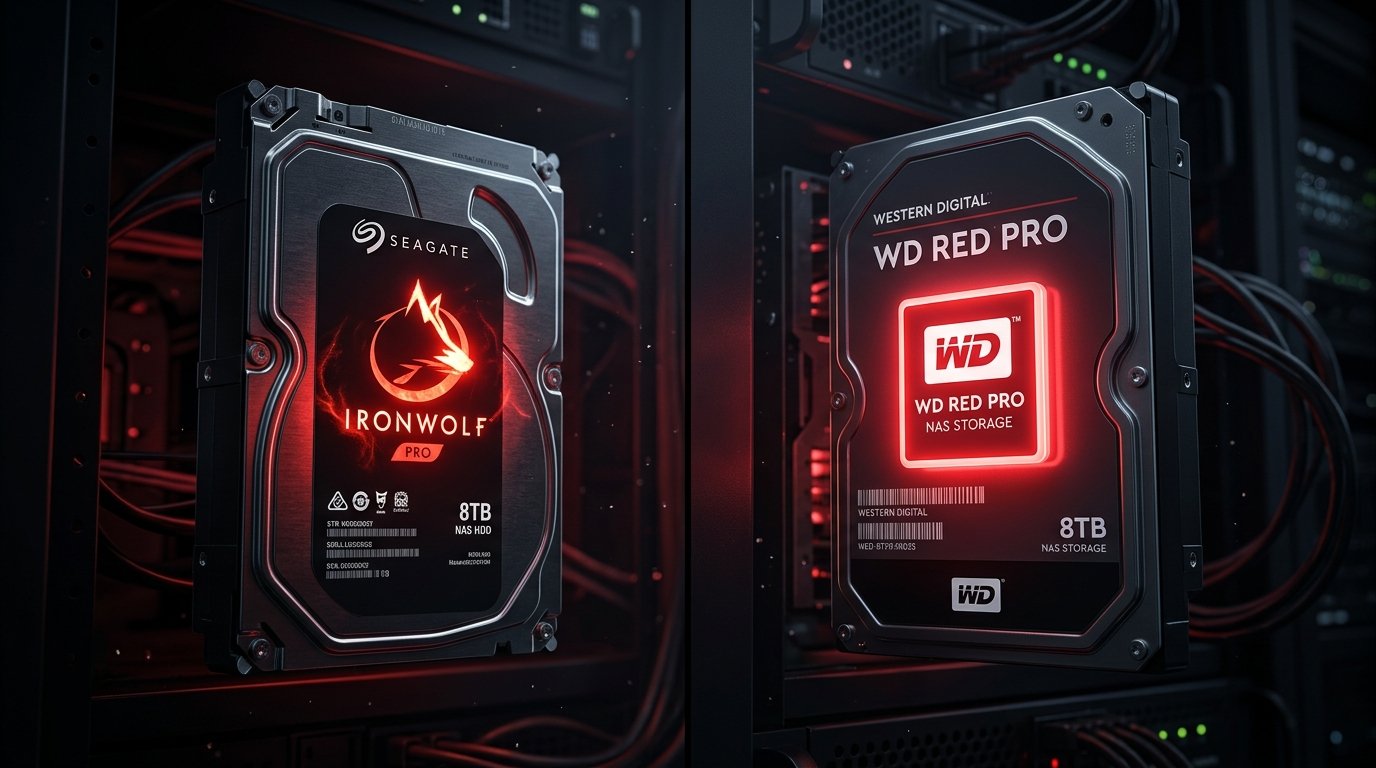
If you are researching seagate ironwolf vs wd red, here is what actually matters before you commit any time to it. What is the difference between Seagate IronWolf and WD Red? The main difference between Seagate IronWolf and WD Red is recording technology and noise. All Seagate IronWolf drives use safe CMR technology and spin at 7200 RPM, making them faster but louder. Basic WD Red drives often use risky SMR technology, though the upgraded WD Red Plus drives use CMR and run quieter at 5400 RPM.
If you have just purchased the best home NAS for your data hoarding setup, you are only halfway done.
NAS enclosures are sold “diskless,” meaning you have to buy the hard drives separately. You cannot use cheap desktop hard drives in a NAS. Because they run 24 hours a day, 7 days a week, standard hard drives will quickly burn out and fail.
You must buy drives specifically engineered for NAS environments. The two undisputed heavyweights in this space are Seagate IronWolf and Western Digital (WD) Red.
So, which one should you trust with your data? In this Seagate IronWolf vs WD Red comparison, we break down the controversy, the speeds, and the noise levels to help you decide.
| Feature | Seagate IronWolf | WD Red Plus |
|---|---|---|
| Recording Technology | 100% CMR guaranteed across the entire lineup | CMR guaranteed only on Red Plus/Pro (basic WD Red often uses risky SMR) |
| Spin Speed | 7200 RPM (faster) | 5400 RPM (slower) |
| Noise Level | Louder, with audible clicking and humming | Quieter and runs cooler |
| NAS Health Monitoring | IronWolf Health Management (IHM) actively monitors drive parameters in real-time and integrates with Synology | Basic SMART tests only |
| Data Recovery Service | 3 years of free Rescue Data Recovery Service included | Not included with standard Red drives |
| Best For | Maximum speed and Synology NAS users | Quiet home setups (bedroom/living room) |
1. The CMR vs. SMR Controversy (The Dealbreaker): Seagate Ironwolf vs Wd Red
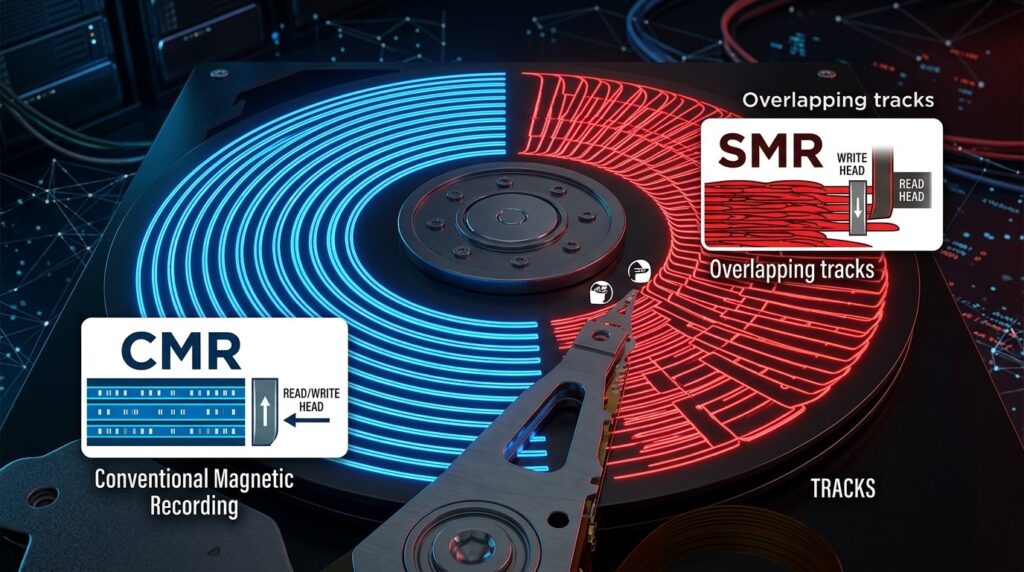
Before you buy a hard drive, you must understand the difference between CMR (Conventional Magnetic Recording) and SMR (Shingled Magnetic Recording).
SMR is a cheaper way to manufacture hard drives by overlapping data tracks like shingles on a roof. However, SMR is terrible for NAS devices. If your NAS tries to rebuild a RAID array using an SMR drive, it can take weeks, or the drive can completely fail, resulting in total data loss.
Western Digital’s Mistake: A few years ago, WD was caught secretly sneaking SMR technology into their basic “WD Red” lineup. This caused a massive uproar in the data hoarding community. Today, if you buy a basic WD Red drive, it is likely an SMR drive. You must specifically buy the more expensive WD Red Plus or WD Red Pro to guarantee you get a safe CMR drive.
Seagate’s Advantage: Seagate capitalized on WD’s mistake by publicly guaranteeing that 100% of the IronWolf lineup uses CMR technology. Whether you buy the cheapest 4TB IronWolf or the most expensive 20TB IronWolf Pro, you are guaranteed a safe, NAS-ready CMR drive.
Winner: Seagate IronWolf (For transparency and safety).
2. Speed and Noise Levels
Because a NAS often sits in your living room or home office, noise is a major factor.
Seagate IronWolf: Almost all IronWolf drives spin at 7200 RPM (Revolutions Per Minute). Because they spin faster, they read and write data faster. If you are downloading massive files from the best Usenet providers, the IronWolf will write that data to the disk incredibly fast. However, because they spin faster, they are noticeably louder. You will hear clicking and humming when the drives are active.
WD Red Plus: To keep noise and power consumption down, many WD Red Plus drives spin at a slower 5400 RPM. While this means file transfers are slightly slower than the IronWolf, the drives run significantly cooler and quieter. If your NAS is sitting right next to your television, the WD Red Plus is the better choice.
Winner: WD Red Plus (For quiet homes) / IronWolf (For max speed).
3. Synology Integration and Data Recovery

If you bought a Synology NAS, the software integration heavily favors one brand.
Seagate partnered directly with Synology to build IronWolf Health Management (IHM) into the Synology operating system. While standard hard drives (like WD Reds) use basic SMART tests to guess if they are failing, IHM actively monitors hundreds of drive parameters in real-time. It will warn you before an IronWolf drive fails so you can replace it safely.
Furthermore, most Seagate IronWolf drives include 3 years of free “Rescue Data Recovery Services.” If your drive mechanically fails, you can mail it to Seagate, and their engineers will attempt to physically recover your data in a cleanroom for free. Western Digital does not include this service with standard Red drives.
Winner: Seagate IronWolf
Conclusion: Which Hard Drive Should You Buy?
Both brands make excellent hard drives, but your choice depends on your specific setup.
Choose Seagate IronWolf If:
You want the absolute fastest speeds, you are using a Synology NAS (to take advantage of IronWolf Health Management), and you do not mind a little bit of hard drive clicking noise.
Choose WD Red Plus If:
Your NAS is in your bedroom or living room and you need the absolute quietest drives possible. Just make sure you buy the “Red Plus” or “Red Pro” models to avoid the dangerous SMR technology!
(Reminder: If you are building a Raspberry Pi NAS using USB enclosures, you do not need expensive NAS drives—standard external desktop drives will work perfectly fine!)
More DIY NAS guides
- DIY NAS build guide (start here)
- What is SnapRAID?
- SnapRAID + MergerFS build
- SnapRAID vs Unraid
- ZFS vs BTRFS
- Best NAS cases
- Shucking hard drives
- 4-bay vs 8-bay NAS