
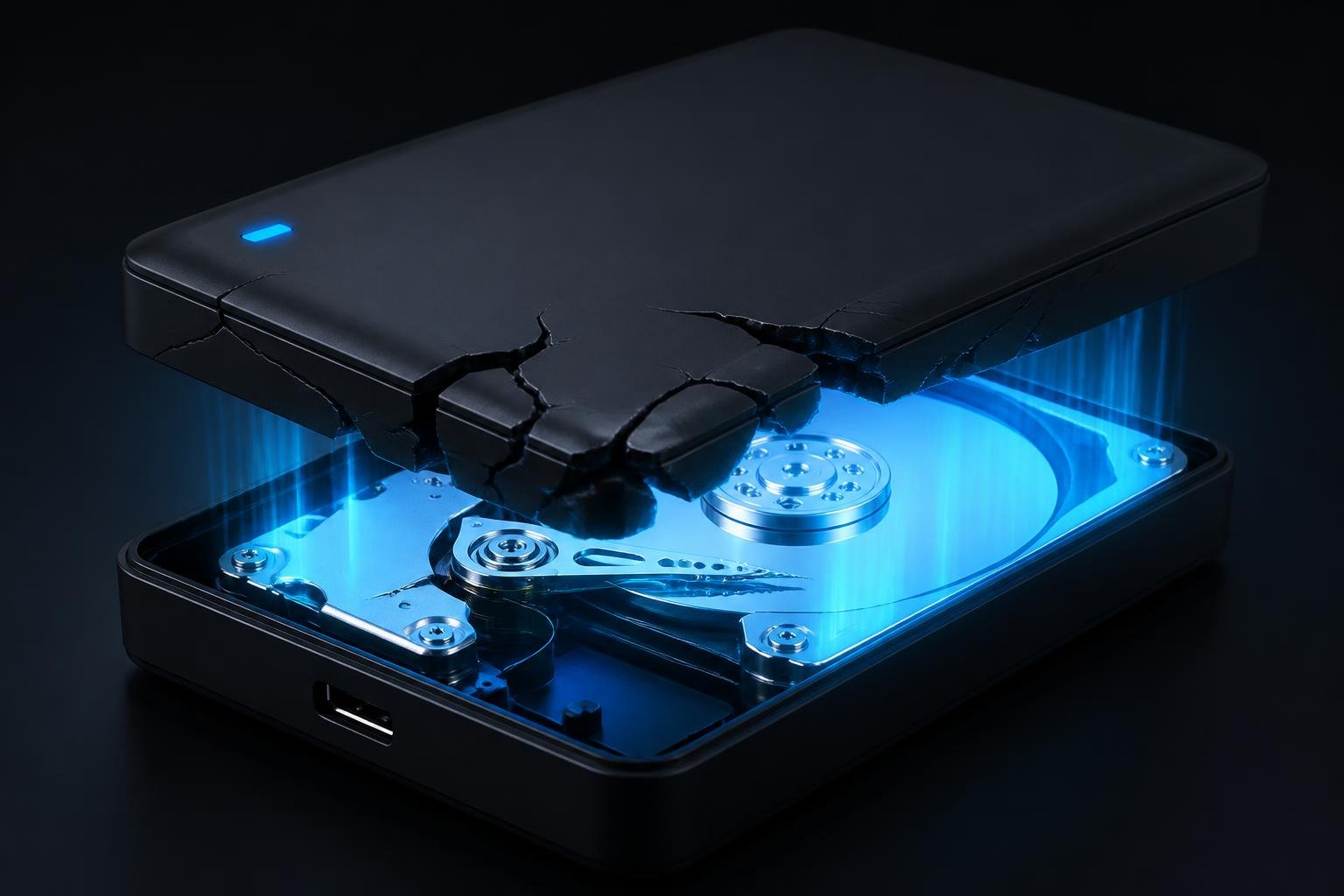
What is shucking hard drives? Shucking hard drives is the practice of buying a cheap external desktop hard drive, breaking open the plastic casing, and removing the internal SATA hard drive so it can be used inside a Network Attached Storage (NAS) device or desktop computer.
If you have read our guide on what a NAS is, you know that building a massive digital archive can be incredibly expensive.
Once you buy the enclosure, you still have to buy the hard drives. Premium internal drives can cost hundreds of dollars each. But what if there was a secret loophole to get those exact same enterprise-grade drives for half the price?
Welcome to the world of “shucking.” It is the most popular money-saving trick in the data hoarding community. In this guide, we will explain exactly why shucking hard drives works, which models to buy, and the technical quirks you need to know before you start.
Why Do Data Hoarders Start Shucking Hard Drives?
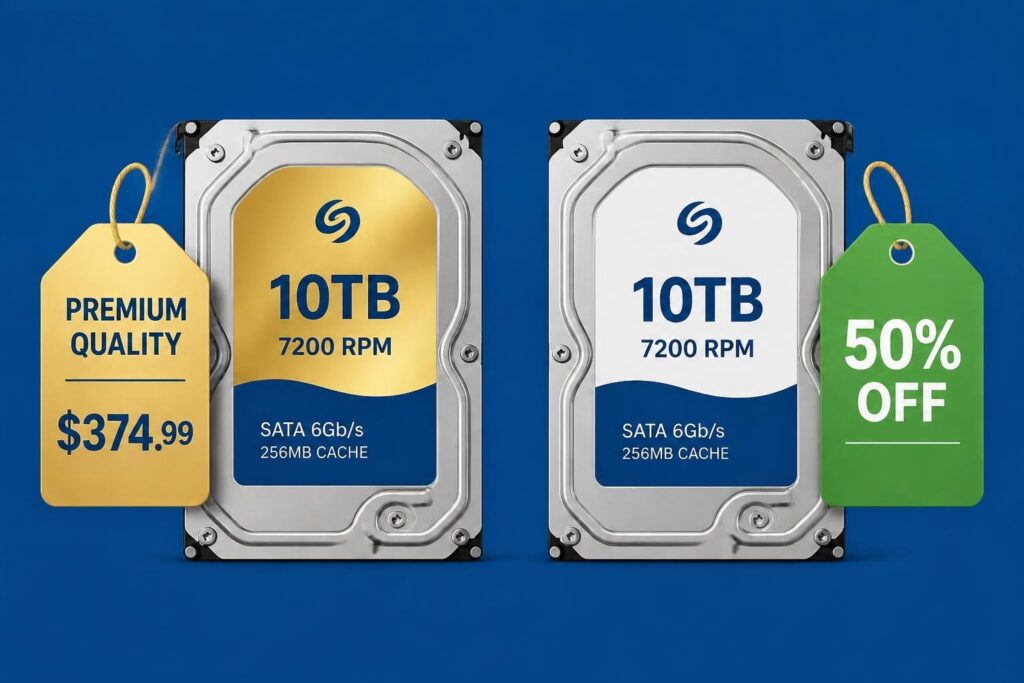
It all comes down to corporate pricing models and market segmentation.
Companies like Western Digital and Seagate sell internal hard drives directly to enterprise businesses and data centers at a premium price. However, they also sell “external” hard drives (in plastic USB enclosures) to everyday consumers at big box stores like Best Buy or Amazon.
Consumers will not pay enterprise prices. To keep consumer prices low, these companies often take their premium, high-capacity internal drives, slap a generic white label on them, and put them inside cheap plastic USB cases.
By shucking hard drives, you are simply buying the cheap consumer USB drive, throwing away the plastic shell, and extracting the premium internal drive to use in your best home NAS. You can often save $100 or more per drive!
The Best External Drives for Shucking
Not all external drives are worth shucking. You should only shuck high-capacity desktop drives (usually 8TB and larger). Smaller portable drives often have the USB connector soldered directly to the circuit board, making them impossible to use in a NAS.
Here are the two best external drives targeted by data hoarders:
1. Western Digital Elements / Easystore
The WD Elements (sold on Amazon) and the WD Easystore (sold at Best Buy) are the absolute holy grail of shucking. If you buy a 14TB or larger model, you are almost guaranteed to find a high-quality, helium-filled CMR drive inside (similar to a WD Red Plus or WD Gold).
2. Seagate Expansion Desktop
If you prefer Seagate over Western Digital (read our Seagate IronWolf vs WD Red guide for the differences), the Seagate Expansion line is your best bet. Shucking these high-capacity drives often yields an enterprise-grade Seagate Exos or IronWolf Pro drive.
The 3.3V Pin Issue (The Tape Hack)
If you shuck a Western Digital drive, plug it into your computer, and it refuses to turn on, do not panic. The drive is not broken. You have just encountered the “3.3v Pin Issue.”
Many of the white-label drives found inside WD enclosures use a modern SATA power specification. If they detect 3.3 volts of electricity on the third pin of the power connector, the drive instructs itself to shut down. Older computer power supplies provide this 3.3v power, preventing the drive from spinning up.
How to fix it: You simply need to cover the third pin on the drive’s SATA power connector so it does not receive electricity. Data hoarders do this by placing a tiny sliver of Kapton tape (a heat-resistant polyimide tape) over the first three pins on the connector. Once taped, the drive will boot up perfectly.
(Note: Most modern NAS enclosures from Synology and QNAP do not have this issue, and the shucked drives will plug in and work immediately without any tape!)

Is Shucking Safe for Your Data?
Shucked drives are perfectly safe to use for storing your high-capacity personal data archives downloaded via Usenet newsreaders.
However, there is one major risk: Warranty.
When you break open the plastic casing of an external drive, you are technically voiding the manufacturer’s warranty. If the drive fails a year later, Western Digital or Seagate will likely refuse to replace it.
Data hoarders accept this risk because the upfront cost savings are so massive. If you buy four shucked drives, the money you saved is often enough to buy a fifth drive as a backup!
More DIY NAS guides
- DIY NAS build guide (start here)
- What is SnapRAID?
- SnapRAID + MergerFS build
- SnapRAID vs Unraid
- ZFS vs BTRFS
- Best NAS cases
- IronWolf vs WD Red
- 4-bay vs 8-bay NAS