
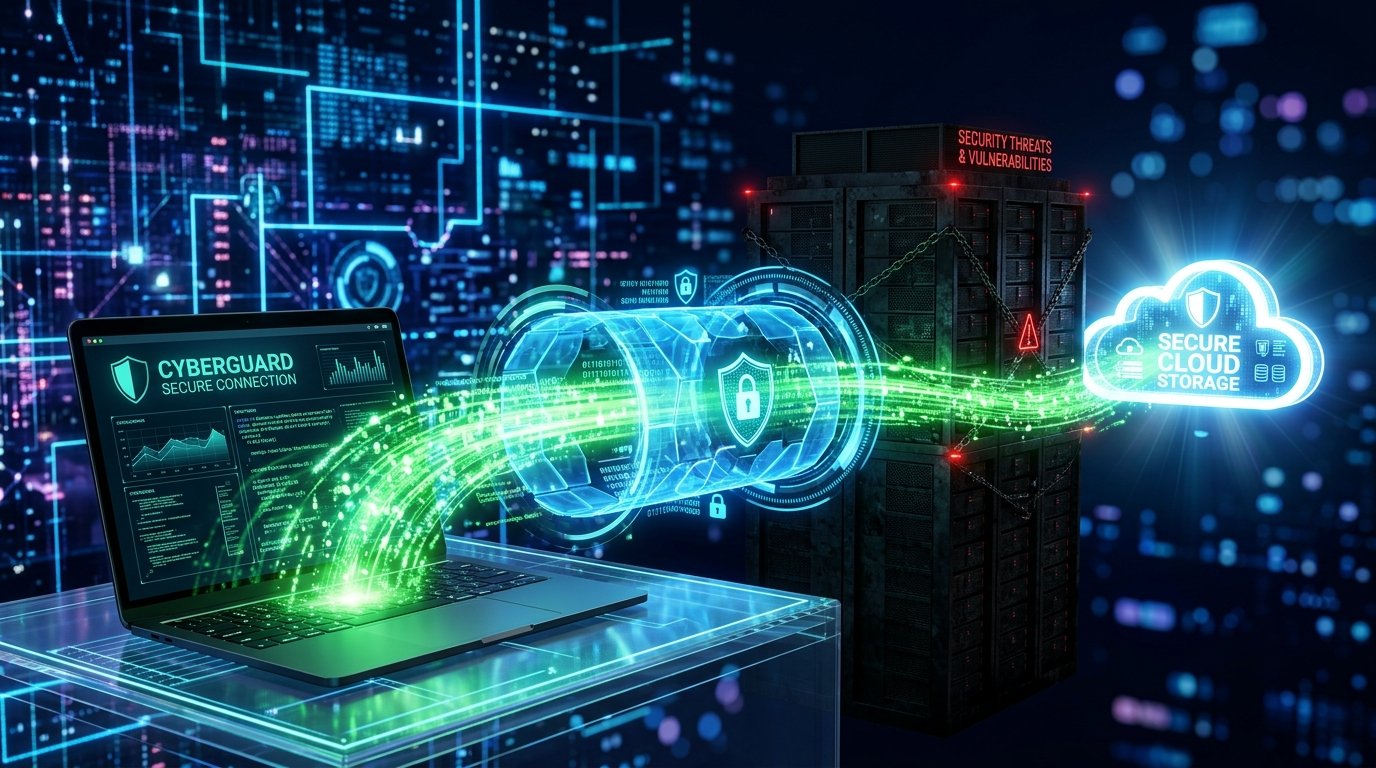
What is a VPN? A VPN (Virtual Private Network) is a service that creates an encrypted digital tunnel between your computer and a remote server. It hides your real IP address and encrypts your internet traffic, preventing your Internet Service Provider (ISP) from seeing what websites you visit or what files you download.
If you spend any time in data hoarding or Usenet communities, you will see the same piece of advice repeated endlessly: “Always use a VPN.”
But what is a VPN, exactly? How does it actually work? And more importantly, does it actually make you 100% anonymous online?
The VPN industry is filled with shady marketing and false promises of “absolute anonymity.” In this guide, we strip away the marketing hype to explain exactly how the technology works, what it can and cannot do, and why it is a mandatory tool for building your digital archive.
How Does a VPN Work? (The “Shifting Trust” Concept): What is a Vpn

To understand why you need a VPN, you first need to understand how a normal internet connection works.
When you type a website into your browser or download a file using Usenet newsreaders, that request goes straight to your Internet Service Provider (ISP)—like Comcast or AT&T. Your ISP can see exactly what websites you are visiting. If you are downloading massive files all day, your ISP can monitor that traffic and throttle (slow down) your speeds.
When you turn on a VPN, the process changes:
- The VPN software on your computer encrypts your data.
- Your data is sent through a secure “tunnel” to a remote server owned by the VPN company (e.g., a server in Switzerland).
- The VPN server decrypts the data and sends it to its final destination (like a website or a download server).
The Reality of “Shifting Trust” A VPN does not make you a digital ghost. It simply shifts the trust. Instead of trusting your home ISP with your browsing data, you are now trusting the VPN company.
This is why data hoarders only use the best VPN for Usenet providers that have strict, independently audited “Zero-Logs” policies. (Note: some premium Usenet providers bundle a VPN directly with their top-tier plans, so check your subscription before buying a separate one.) You are shifting your trust from an ISP (who will gladly monitor and log all of your internet traffic) to a Swiss privacy company (who legally cannot record your data in the first place).
Why Data Hoarders Need a VPN
If you are just browsing Facebook, a VPN is largely unnecessary. But if you are a data hoarder, it is a critical piece of infrastructure for three reasons:
1. Hiding Your IP Address
When you access posts and articles from Usenet or browse NZB indexer sites, your real home IP address is visible to the servers you connect to. Your ISP can also monitor your traffic. A VPN masks your home IP with the VPN server’s IP, protecting your identity. If your VPN misconfigures and leaks your real IP or DNS queries outside that tunnel, this protection breaks down silently — see our guide on what a DNS leak is to learn how to test for one.
2. Bypassing ISP Throttling
Many ISPs monitor your traffic. If they see you downloading 500GB of data in a single weekend to fill up your new home NAS, they may intentionally throttle your download speeds to a crawl. Because a VPN encrypts your traffic, your ISP only sees a stream of scrambled code. They cannot see what you are doing, which often prevents them from throttling your connection.
3. Port Forwarding for Automation
If you run an automated media server using Sonarr and Radarr, you need a feature called “Port Forwarding.” This allows other devices on the network to connect to your server efficiently. Most home internet routers block port forwarding for security reasons. Premium VPNs (like ProtonVPN) allow you to safely open a port through their secure servers, improving your server’s connectivity. Others, like PureVPN, only offer port forwarding as a paid add-on rather than including it in the base plan, so check the fine print before you buy. Alternatively, some data hoarders skip port forwarding entirely by using a mesh VPN like Tailscale or ZeroTier to connect their devices directly.
VPN vs. SSL: Which Do You Need?
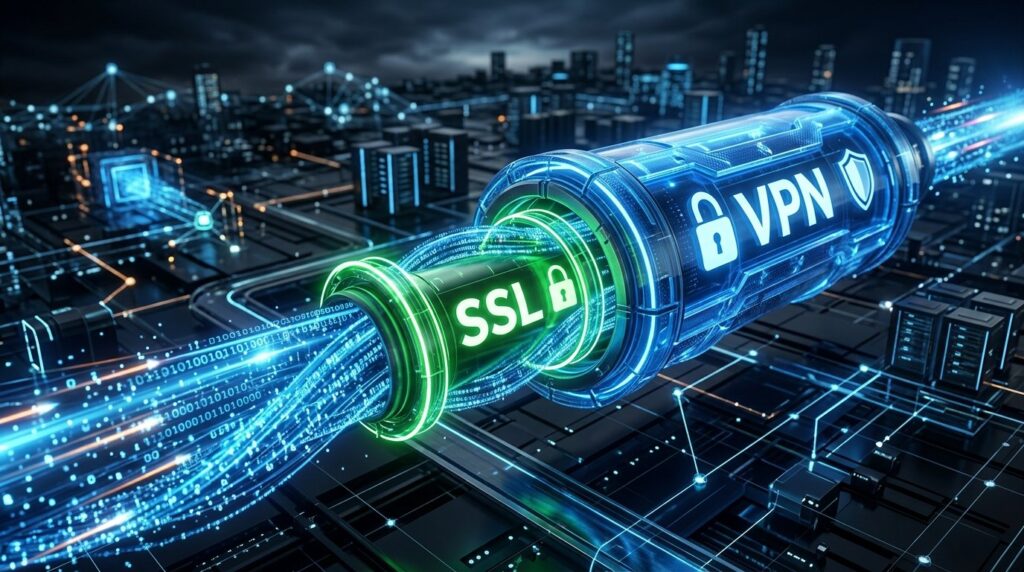
If you are learning how to download from Usenet, you might be confused. You are told to enable “SSL Encryption” in your newsreader settings, but you are also told to use a VPN. Do you need both?
Yes, you should use both simultaneously.
- SSL (Secure Sockets Layer): This encrypts the tunnel between your computer and your Usenet provider. It hides what you are downloading from your ISP.
- VPN (Virtual Private Network): This hides your real IP address from the Usenet provider, and encrypts your web browser traffic when you are searching for files on NZB indexer websites.
Using both ensures that your ISP cannot see what you are downloading, and the websites you visit cannot see who you really are.