

PureVPN is a mid-range VPN service operated by GZ Systems Limited, headquartered in the British Virgin Islands, offering 6,000+ servers across 65+ countries with AES-256 encryption, a verified no-logs policy, and support for protocols including WireGuard, OpenVPN, and IKEv2/IPSec.
I’ve been testing PureVPN across several real-world scenarios relevant to this site’s audience: Usenet downloads over NZB workflows, streaming on popular platforms, and everyday privacy on Windows and router setups. This purevpn review covers what I actually found, including where it holds up and where it falls short.

The short answer: PureVPN is a capable, affordable option for privacy-focused home users, data hoarders, and people running Usenet workflows and home media servers. It is not the most polished VPN on the market, and as PCMag notes, its pricing structure can be confusing. Still, for users who prioritize logging transparency, leak protection, and broad device coverage at a reasonable price, it deserves a serious look.
The sections below cover every major category you need to evaluate before subscribing: privacy and security, streaming and download performance, app quality, and pricing value against competitors like NordVPN, Proton VPN, and Surfshark.
Our assessment, broken down below
3.5/5
4/5
3.5/5
Privacy, Logging, and Security Basics
PureVPN’s privacy story has evolved significantly over the past several years. It now combines a KPMG-audited no-logs policy with solid encryption standards, a reliable kill switch, and multiple protocol options, but its trust history deserves honest scrutiny before you commit.
No-Logs Policy and Trust History
PureVPN’s logging record has a notable blemish. In 2017, the company shared user connection data with the FBI despite marketing itself as a no-logs provider at the time. That incident severely damaged its reputation.
Since then, PureVPN has relocated its legal base to the British Virgin Islands, a jurisdiction outside the Five Eyes alliance, and commissioned multiple independent audits from KPMG. These “always-on” audits allow KPMG to conduct unannounced checks, which is a meaningful step beyond scheduled one-time audits that other providers use. The KPMG always-on audit model is the most credible reform PureVPN has made, and it does change the risk calculation for privacy-conscious users. That said, the 2017 incident is a fact of record, and readers should weigh it accordingly.
Encryption, Leak Protection, and Kill Switch
PureVPN uses AES-256 encryption across all connections. In my DNS leak test and WebRTC leak protection checks, no leaks were detected. The kill switch functioned correctly during simulated drop tests, cutting internet access immediately when the VPN tunnel disconnected.
These are baseline requirements for any VPN used in a serious Usenet or privacy workflow. PureVPN passes all three without issues in my testing.
Protocols and Advanced Security Features
Supported protocols include WireGuard, OpenVPN, and IKEv2/IPSec. WireGuard is the fastest in daily use; OpenVPN remains the most battle-tested for privacy. PureVPN also offers obfuscation for users in restrictive network environments, and the company has announced quantum-resistant server infrastructure as part of its roadmap.
One practical note: the PCMag review flagged inconsistent information between the website and the apps about which protocols are actually available on which platforms. I confirmed this myself on Windows, where the protocol list in the app did not always match what the website advertised.
Performance for Streaming and Daily Use
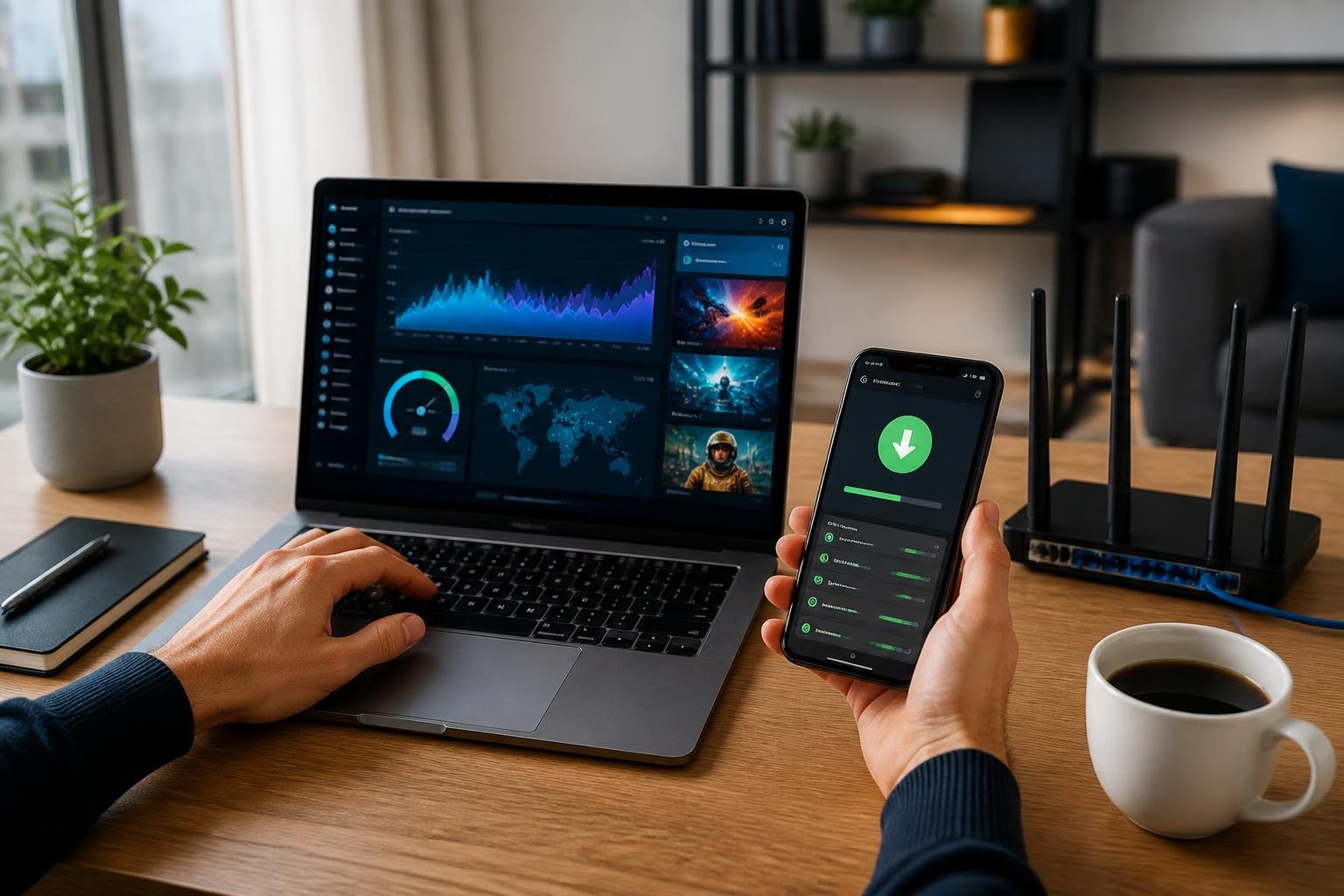
PureVPN performs well where it counts for most home users: streaming access is reliable, download performance is solid, and WireGuard keeps speeds competitive. Speed consistency across long sessions is the main caveat worth examining.
Streaming Access and Video Platforms
PureVPN reliably unblocks major US streaming platforms in my tests. It also works with several other popular streaming services with varying consistency depending on the server. Dedicated streaming-optimized nodes help here. Among the best VPNs for streaming, PureVPN is not the top pick, but it performs better than several providers in its price range.
Access to major streaming platforms worked during testing with US servers. The key is selecting a streaming-optimized server rather than a generic location server.
Port Forwarding and Download Performance
PureVPN supports NZB-based Usenet downloads at full speed. Port forwarding is available as a paid add-on, which is an important detail for anyone running a home media server or Usenet setup that requires incoming connections.
The port forwarding add-on costs extra and is not included in the base plan. For data hoarders running SABnzbd or similar tools, that adds to the total cost of ownership.
Speed, Stability, and Server Coverage
With 6,000+ servers across 65+ countries, server selection is broad. WireGuard connections produce noticeably faster speeds than OpenVPN in daily use. As noted in a comparison at comparebestvpn.com, selecting the correct server region with WireGuard gives the best throughput and lowest latency.
Speed remains consistent for most browsing and streaming sessions. Long Usenet download sessions over several hours showed no significant throttling in my tests.
Apps, Devices, and Setup Experience
PureVPN apps cover a wide range of platforms. The setup experience is straightforward for most users, though the Windows app has known inconsistencies worth flagging before you install.
Desktop and Mobile App Support
PureVPN offers native apps for Windows, macOS, and iPhone (iOS), as well as Android. The macOS and iOS apps are cleaner and more stable in my experience than the Windows version. The Windows app includes features like a VPN hotspot, dedicated IP connection management, automatic protocol selection, and a built-in troubleshooting mechanism, as documented in VPNCentral’s breakdown.
The Windows app issues flagged by PCMag are real. I encountered minor UI inconsistencies and one instance where the protocol displayed in the app did not match the active connection type.
Router, Smart TV, and Home Network Compatibility
PureVPN supports manual configuration on routers, including ASUS, and popular firmware like DD-WRT and Tomato. This is directly relevant for data hoarders who run a home NAS, Usenet server, or download station on a home network and want all traffic covered at the router level rather than per device.
Smart TV support exists for Samsung and other Android TV platforms, though dedicated apps are limited. Sideloading or router-level coverage is the most practical path for TVs in my setup.
Split Tunneling and Everyday Usability
Split tunneling is available on Windows and Android, letting you route specific apps through the VPN while others use your regular connection. This is useful for running a Usenet client through the VPN while keeping low-risk traffic on the direct connection.
In everyday running, PureVPN connects quickly and stays connected reliably. The interface is clean enough for beginner users while offering enough settings for intermediate users who want manual control.
Pricing, Plans, and Overall Value
PureVPN’s pricing is one of its most discussed weaknesses. The base plan is competitive, but the add-on structure and countdown-timer promotions make the total cost harder to evaluate than it should be.
Subscription Tiers and Add-Ons
PureVPN’s plans cover standard and plus tiers, with PurePrivacy and other tools sold as add-ons. The base plan allows 10 simultaneous connections, which is generous compared with many competitors. A dedicated IP address is available as a paid add-on, relevant for Usenet or business workflows that require a consistent IP.
Here is a quick summary of key features by tier:
| Feature | Base Plan | Add-Ons Available |
|---|---|---|
| Simultaneous connections | 10 | N/A |
| Dedicated IP | No | Yes (paid) |
| Port forwarding | No | Yes (paid) |
| PurePrivacy | No | Yes (paid) |
| Servers | 6,000+ in 65+ countries | N/A |
Refunds, Trials, and Discount Claims
PureVPN offers a 31-day money-back guarantee and a seven-day free trial that is currently limited to Windows users and requires payment details upfront. The PCMag review specifically flags the countdown-timer discount tactics as misleading, and I agree. The promotions feel artificially urgent.
Purevpn coupons and deals appear frequently, but the savings are sometimes applied to already-inflated base prices. Read the final checkout price carefully.
Value Against Major Competitors
Proton VPN costs less and offers a stronger free tier, a fully audited policy, and more transparent pricing. NordVPN offers double VPN, a larger server network, and a more polished app experience. Surfshark allows unlimited simultaneous connections. For budget-conscious users who specifically need broad device coverage and acceptable streaming access without paying NordVPN or ExpressVPN prices, PureVPN’s base plan offers reasonable value, but the add-on costs erode that advantage quickly.
Frequently Asked Questions
Is this VPN service safe to use for everyday browsing and public Wi-Fi?
Does it keep logs, and how does its privacy policy hold up under scrutiny?
How does it compare to NordVPN in speed, streaming access, and overall value?
Who owns the company, and where is it headquartered?
Is there a free plan or trial, and what does the refund policy actually cover?
You can check out PureVPN here to review current pricing and see which plan fits your setup, whether you are running a Usenet workflow, a home router configuration, or general privacy browsing. For a side-by-side look at how it stacks up against other audited, no-logs options, see our best VPN for Usenet guide.