
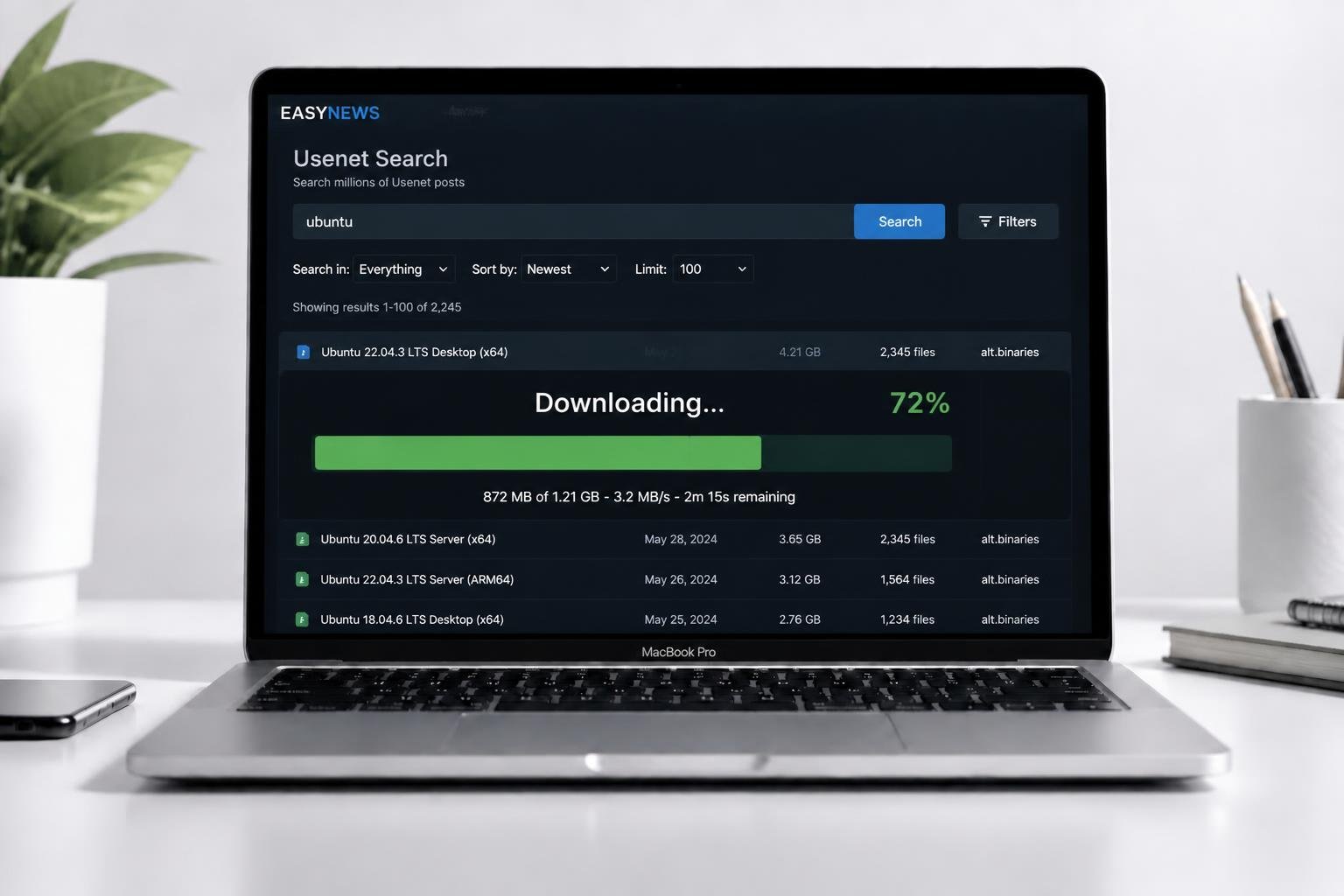
What is the best Usenet client for Mac? The best Usenet client for Mac users is the Newshosting Newsreader, which offers a native macOS app with built-in search. For advanced users, SABnzbd is the best open-source option, while Easynews is the best choice for users who prefer to retrieve articles directly through Safari without installing any software.
If you are learning how to download from Usenet on an Apple computer, you might feel a bit left out.
Historically, the data hoarding community has been heavily focused on Windows and Linux. Many of the oldest and most popular Usenet newsreaders require complicated command-line setups or simply do not run natively on macOS—especially on newer Apple Silicon (M1/M2/M3) chips.
Historically, Mac users also relied on tools like NZB Drop, though most of the older clients have since been surpassed by the options below. Fortunately, there are several excellent options specifically designed for Mac users. Whether you want a native desktop app, an automated media downloader, or a simple web interface, here is our guide to the best Usenet client for Mac.
| Client | Type | Price | Best For |
|---|---|---|---|
| Easynews | Web-Based All-in-One | — | Complete beginners and users who don’t want to install software |
| Newshosting Newsreader | Desktop All-in-One | — | Users who want a native Mac app with built-in search |
| SABnzbd | Binary / NZB Downloader | Free (Open Source) | Automated media servers and data archivists |
| Usenapp | Premium Desktop Client | Paid Software | Power users willing to pay for a polished, native Mac experience |
Our Picks for the Best Usenet Client for Mac
Each option below fits a different type of Mac user, from complete beginners who want zero setup to power users running a full home lab automation stack.
1. Easynews (Best for Safari Users)
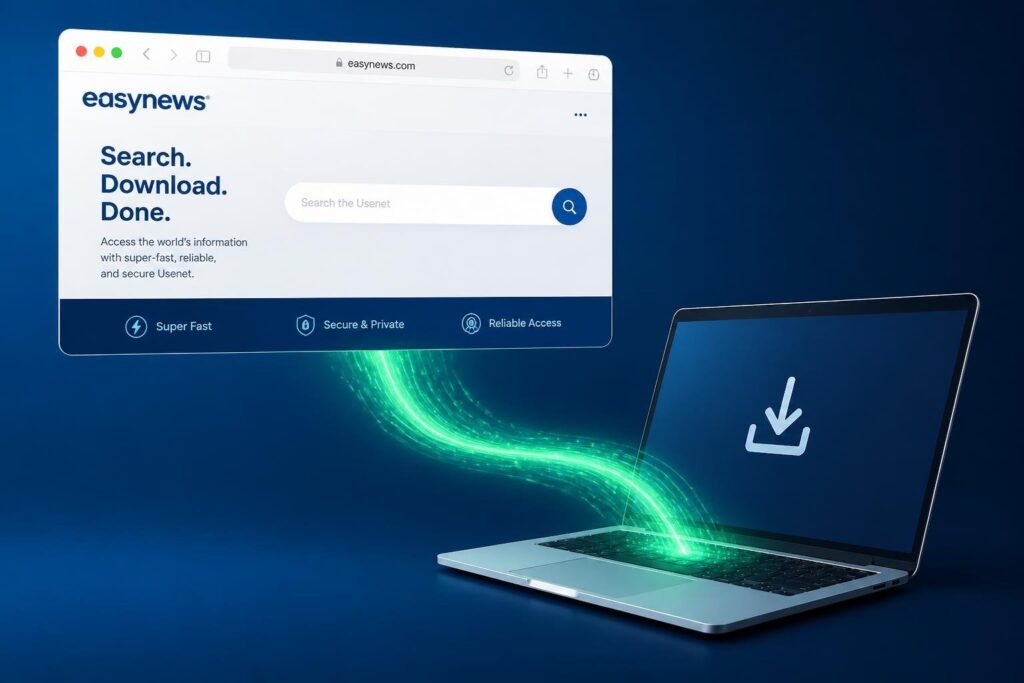
If you are using a MacBook or an iMac and do not want to deal with installing third-party software, configuring ports, or managing NZB files, Easynews is the ultimate solution.
Easynews is a premium Usenet provider that has its own proprietary indexer and newsreader built directly into a web interface. You simply open Safari, log into the Easynews website, search for the post or article you want, and click download. It saves directly to your Mac’s “Downloads” folder, just like a normal web file.
It is incredibly fast, completely secure, and requires zero technical setup. You can read our full Easynews review to learn more about how the web interface works.
- Type: Web-Based All-in-One
- Best For: Complete beginners and users who don’t want to install software.
2. Newshosting Newsreader (Best Native Mac App)
If you prefer using a dedicated application on your Mac rather than a web browser, Newshosting is widely considered the best all-in-one desktop client.
When you subscribe to Newshosting, you get free access to their proprietary macOS application. It is a beautiful, native Mac app that features a built-in search function. You do not need to hunt for NZB files on third-party Usenet indexers. You simply search within the app, and it handles the downloading, repairing, and extracting automatically.
- Type: Desktop All-in-One
- Best For: Users who want a native Mac app with built-in search.
3. SABnzbd (Best for Mac Media Servers)
If you are building a Plex server on your Mac mini or Mac Studio, you will likely want to automate your downloads using tools like Sonarr and Radarr.
To do this, you need a powerful, automated binary downloader. SABnzbd is the undisputed king of this space. While it is not a “native” Mac app (it runs in your web browser locally), the development team provides a perfectly optimized macOS installer. It runs silently in the background of your Mac, grabbing NZB files and extracting them directly to your media folders.
- Type: Binary / NZB Downloader
- Price: Free (Open Source)
- Best For: Automated media servers and data archivists.
4. Usenapp (Best Premium Standalone Client)
If you already have a subscription to a provider (like Eweka) and are just looking for a standalone piece of software, Usenapp is the best premium option.
Usenapp is a 64-bit native macOS application designed specifically for Apple computers. It is packed with features, including a built-in search engine, support for multiple news servers, and an incredibly polished, Apple-like user interface. Unlike SABnzbd, which is free, Usenapp is a paid piece of software (with a free trial available). Read our full Usenapp review for a complete breakdown of its features and pricing.
- Type: Premium Desktop Client
- Price: Paid Software
- Best For: Power users willing to pay for a polished, native Mac experience.
How to Secure Your Mac Downloads
Apple prides itself on privacy, but macOS cannot protect you from your Internet Service Provider (ISP) monitoring your network traffic.
Regardless of which Usenet client for Mac you choose, you must configure it securely. Always check the box in your software settings to Enable SSL Encryption and use port 563.
For maximum privacy, we highly recommend running a strict no-logs VPN alongside your client. You can read our guide on the best VPN for Usenet to find a provider with a native macOS application (like ProtonVPN or PrivadoVPN) to ensure your real IP address remains completely hidden.